HomeLoyalty Engine
Documentation · CoreTurn repeat guests into a tier, not a punch card.
A behaviour-triggered loyalty program with a tap-to-scan wallet pass, no app download required.
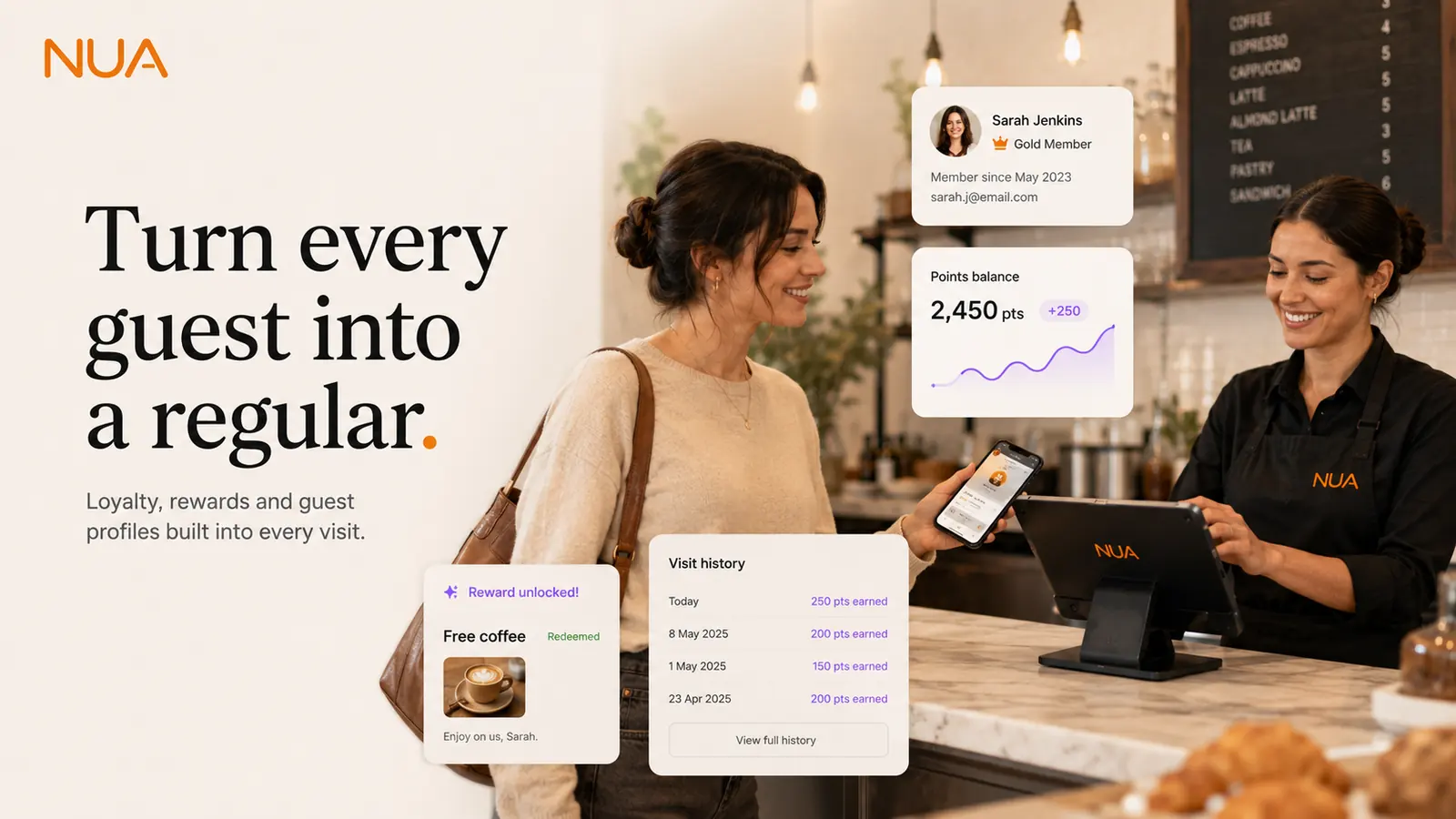
Loyalty Engine setup guide
Estimated setup time: 15–20 min
Before you start
- POS set up (loyalty attaches to real transactions)
- Your tier structure in mind (e.g. Regular, Gold, Black) and what unlocks each
- A short reward list — discounts, free items, or perks
Setup steps
- 1
Define your tiers
Under Loyalty → Tiers, set visit or spend thresholds for each tier and what it unlocks.
- 2
Create rewards
Add rewards under Loyalty → Rewards — percentage discounts, free items, or early access to bookings.
- 3
Turn on the wallet pass
Enable Apple/Google Wallet passes under Loyalty → Wallet so guests can add their card with one tap, no app needed.
- 4
Set enrolment points
Choose where guests can join: at the POS, on the booking page, or via a QR code on the table.
- 5
Connect marketing triggers (optional)
If you're using Marketing Automation, wire tier changes and lapsed-guest events to automatic offers under Marketing → Triggers.
- 6
Test the full loop
Enrol a test guest, run a sale against their profile, and confirm the visit count, tier and wallet pass all update.
Tips
- Keep the entry tier easy to reach — the wallet pass itself is often what drives the second visit.
- Behaviour-triggered rewards (e.g. "3rd visit this month") consistently outperform generic percentage-off blasts.
- Loyalty data is what powers VIP recognition on Reservations and personalised offers on Marketing — set it up before those.
Troubleshooting
- A regular guest isn't being recognised at the till.Confirm they're enrolled with the same phone number or card used at the POS — matching is based on that.
- Wallet pass isn't updating after a visit.Wallet passes refresh on a short delay after each transaction; if it's been more than a few minutes, check the guest's enrolment status under Loyalty → Members.
Related modules
Still stuck on loyalty engine setup?
Email us directly, a real person on the team replies.