HomeFranchise White-Label Mode
Documentation · OperationsEvery venue looks like its own brand. The operations stay yours.
Run branded sub-instances per venue — different logo, name and theme — on one shared back-end for the group.
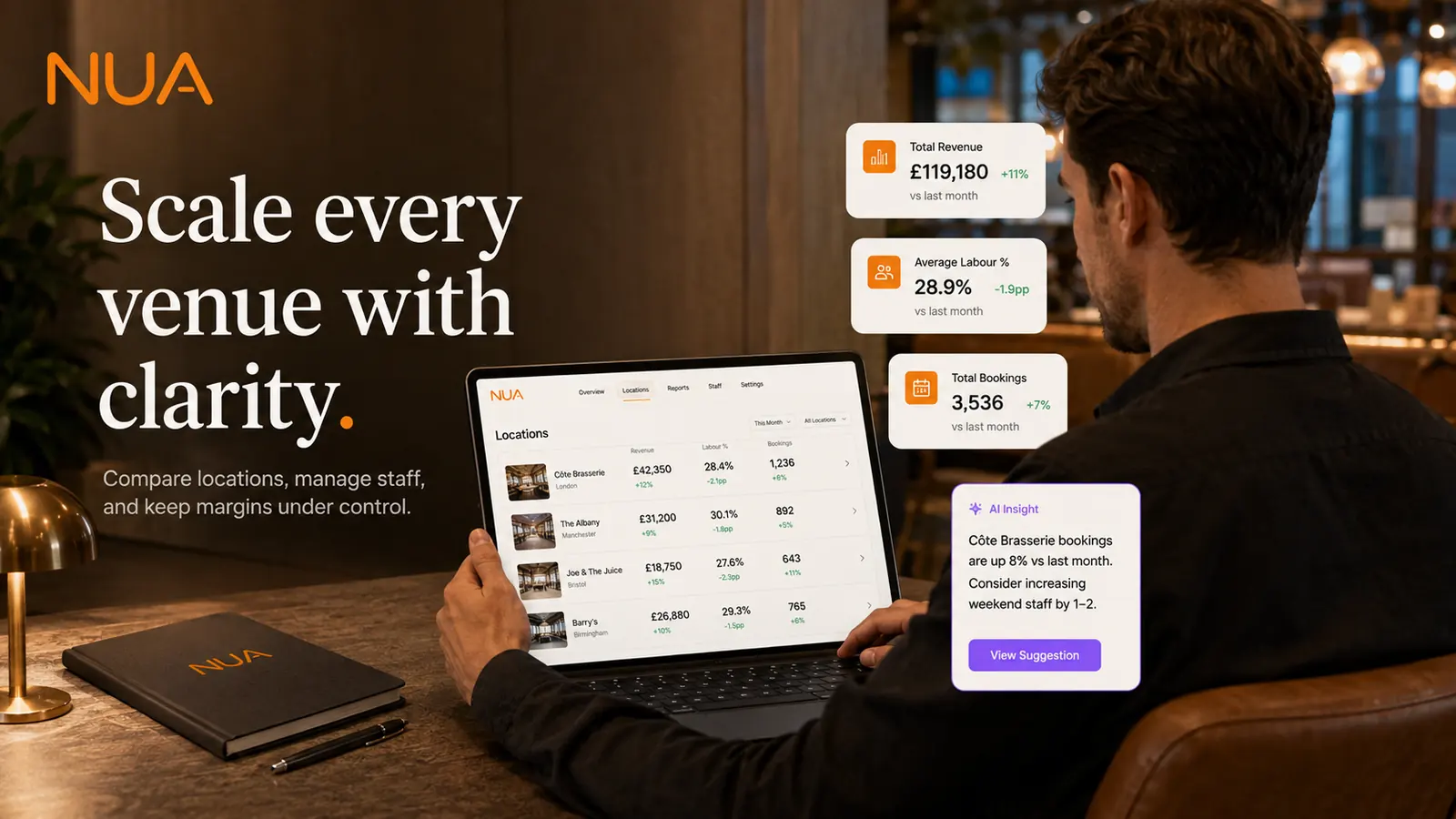
Franchise White-Label Mode setup guide
Estimated setup time: 30–45 min (per venue)
Before you start
- Enterprise plan
- Brand assets per venue (logo, colours, name) if venues run under different brand identities
Setup steps
- 1
Set up the parent account
Your hospitality group account is the parent; every venue you add is a sub-instance under Franchise → Venues.
- 2
Add a venue's brand identity
Upload that venue's logo, name and colour palette under Franchise → Venues → [Venue] → Branding.
- 3
Choose what's shared vs local
Decide which settings are enforced group-wide (compliance rules, loyalty tier structure) versus set per-venue (menu, pricing) under Franchise → Policy.
- 4
Set up role-based access
Assign group-level admins who see everything, and venue-level managers who only see their own venue, under Franchise → Roles.
- 5
Review the group dashboard
Confirm the group-level view rolls up all venues correctly while each venue's own staff only see their branded instance.
Tips
- Decide your shared-vs-local policy before onboarding many venues — changing it after staff are trained on one model is disruptive.
- Group-wide compliance and loyalty-tier rules are usually worth enforcing centrally; menu and local promotions usually aren't.
- Use venue-level roles from day one, even for a small group — retrofitting access control later is the harder path.
Troubleshooting
- A venue manager can see other venues' data.Check their role assignment under Franchise → Roles — they may have been given group-level access by mistake.
- A venue's branding isn't showing on guest-facing screens.Confirm brand assets were uploaded at the venue level, not just the parent account, under Franchise → Venues → [Venue] → Branding.
Related modules
Still stuck on franchise white-label mode setup?
Email us directly, a real person on the team replies.